
Guide · 5 steps
Your first character
A character is a space of its own with a race, two classes and a track. You make one in a few short steps, and everything you play or write can feature them.
On this page
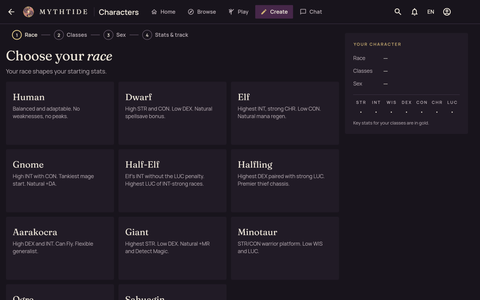
Choose your race
There are eleven races, from human to sahuagin. Your race sets your starting stats: a gnome starts with a high Intelligence, a giant with the highest Strength. Tap a card to choose it.
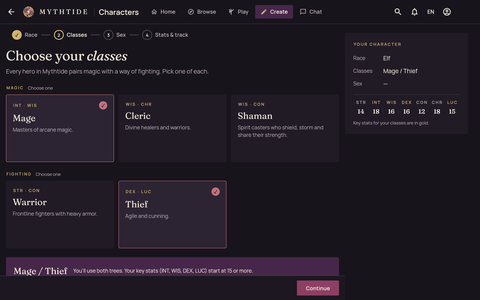
Choose your classes
Every hero in Mythtide pairs magic with a way of fighting. Pick one magic class (Mage, Cleric or Shaman) and one fighting class (Warrior or Thief). You use the spells and skills of both, and the key stats of both classes start at 15 or more.
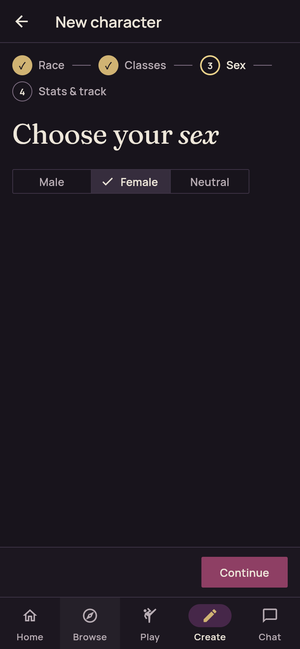
Choose your sex
Male, Female or Neutral. Nothing is chosen for you; pick one, then Continue.
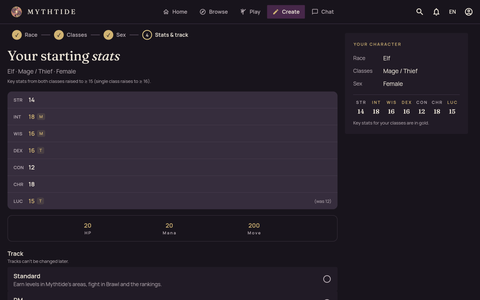
Check your stats and choose a track
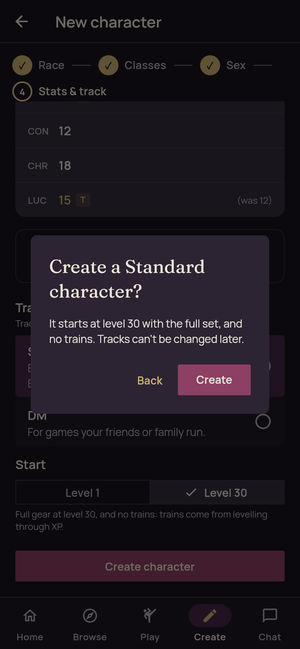
You’ll see your seven starting stats. Then choose a track:
- Standard earns levels in Mythtide’s areas, in Brawl and in the rankings. A Standard character starts at level 1, or at level 30 with everything learned and no trains to spend.
- DM is for games your friends or family run.
Create
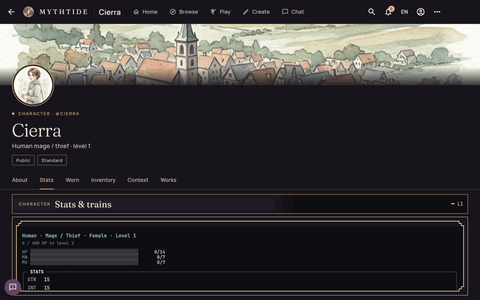
Choose Create character and confirm. Your character’s space opens, with their stats, gear and pack in the game panels.
What next
Updated 30 October 2026
guide Guide · Getting started